Apple Card Review

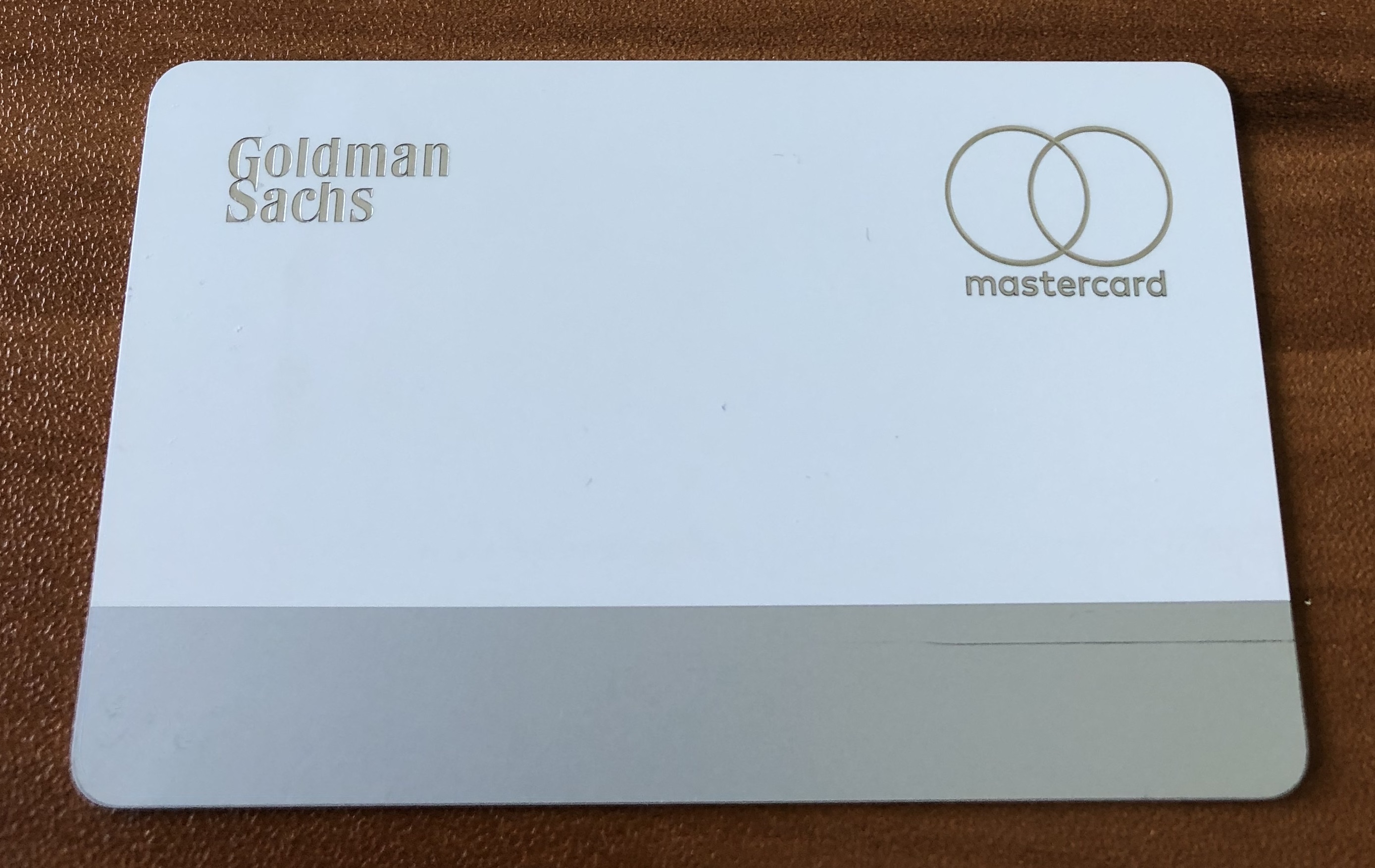
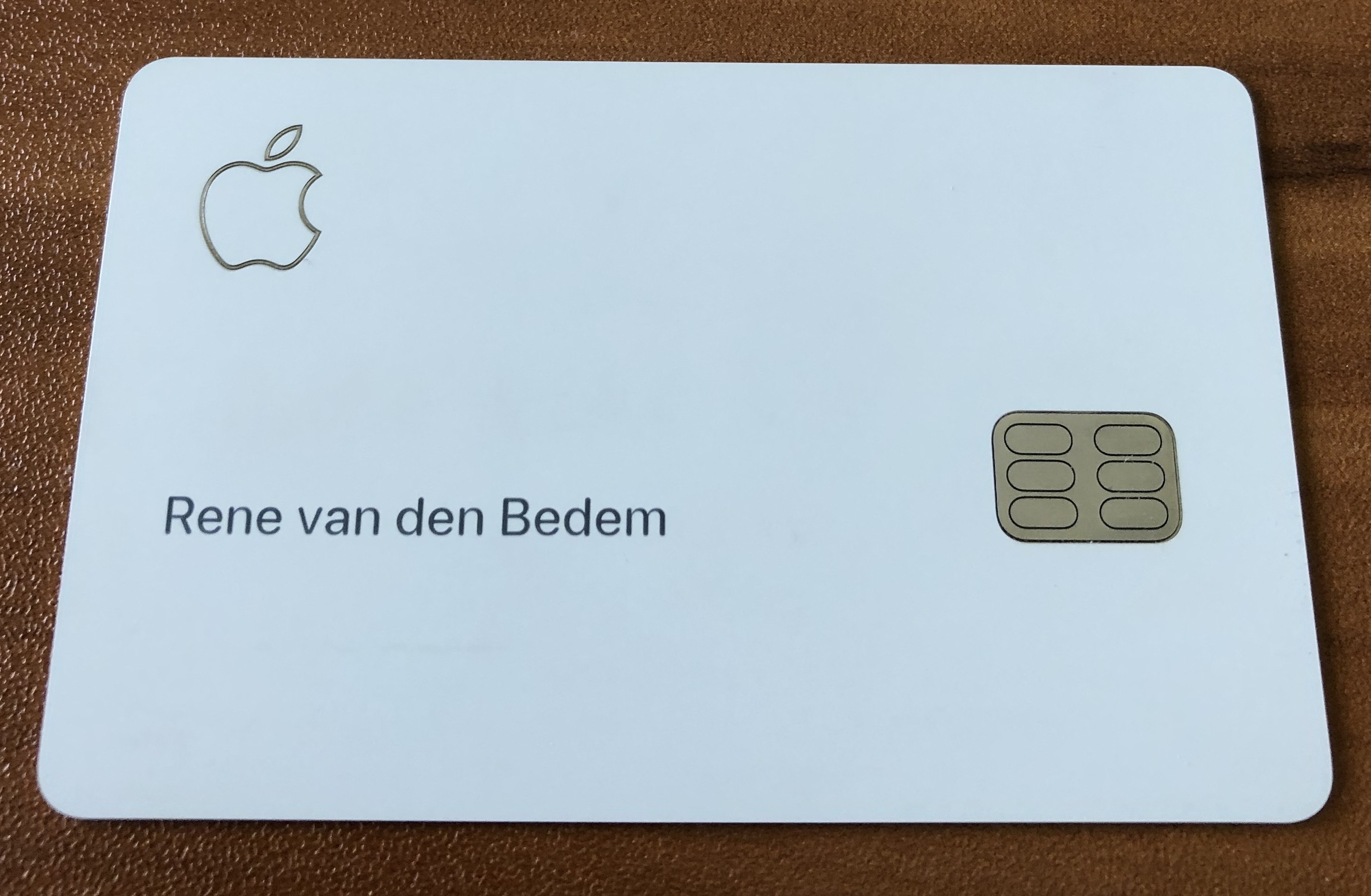
Last week I received my Apple Card and I have been using it for the past week. What I love about my Apple Card are the security features, reporting, ease of use and the rewards program.
What is Apple Card?

  • Apple’s vision of credit card services.
  • An Apple branded MasterCard (partnered with Goldman Sachs).
  • The Apple Pay version of the MasterCard is paired with your iPhone device.
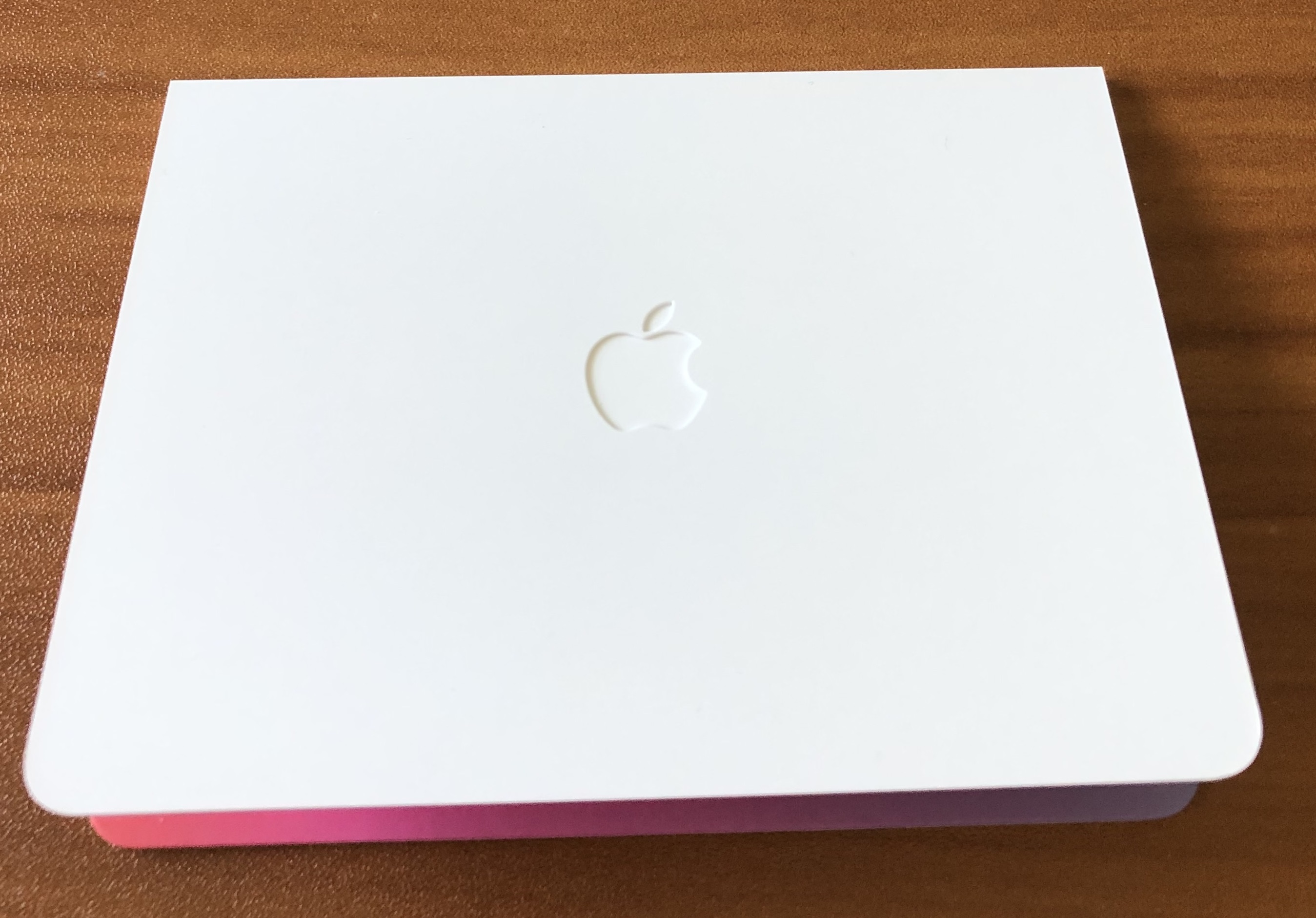
  • The physical Titanium version of the Apple Card has your name printed on the front, but no CC data is visible (you access this from your Apple Wallet).
  • The Apple Cash rewards program is calculated daily (1% for all Apple Card transactions, 2% for all Apple Pay transactions & 3% for all Apple purchases).
  • All CC management is performed from Apple Wallet.

Why should I care about Apple Card?

  • If you are a fan of Apple products and you want to simplify your credit card use, then Apple Card is for you.
  • Provides a single place to manage your credit card services from your iPhone (Apple Wallet) – including spending analysis, transaction details, card payment, CC data, card lock/unlock, etc.
  • In the US, the culture for paying your bill in a restaurant has the server taking your CC away from your table to process the payment (outside of the US, the EFT terminal is brought to you) – by using your Titanium Apple Card, this removes the risk of your CC data being compromised.
  • Very simple rewards program with a daily calculation of Apple Cash.
  • Zero fees.

How do I use Apple Card?

  • Use the Titanium Apple Card or Apple Pay to purchase goods and services.
  • Get your Apple Cash rewards daily.
  • All credit card management functions are delivered via Apple Wallet on your iPhone.

How do I get Apple Card?

  • Prerequisite – Have an iPhone running iOS 12.4 with a valid Apple ID.
  • Open Apple Wallet and Apply for the Apple Card.
  • Confirm your name, address, SSN and provide a photo of your Government ID.
  • Press Apply and instantly receive your result. Depending upon your credit score, the amount of credit offered will vary.
  • Once you accept the terms and conditions, Apple Pay is ready for use.
  • Within 1-week, your Titanium Apple Card will be delivered to you.
  • Use Apple Wallet to activate the card (in proximity to the plastic folder your card was delivered in).
Which is better? VMware or Nutanix?

I get this question all the time – “Hey René, you are an expert on VMware, why do you bother with Nutanix?” or vice-versa, depending upon whether I am talking to a VMware or Nutanix employee.

And my answer is, “Well it depends upon the customer requirements, both vendors have great solutions.” Let me elaborate, generally speaking both companies have the following attributes:

VMware

  • Extensive product eco-system that is getting broader and deeper each year
  • Broad support for third party vendors
  • Loads of nerd knobs exposed for complex use-cases
  • Rolls Royce of software and features
  • Likes to lead by acquisition
  • VMware is over 20 years old

Nutanix

  • An obsessive focus on simplicity
  • Second to none customer support
  • Great choice for simple use-cases
  • Likes to build from the ground up
  • Nutanix is 10 years old

In summary, my advice to customers is this: If you have very simple use-cases, you care about vendor support and you want things to work with the minimum of fuss, then Nutanix with AHV should be on your list. If you have complicated use-cases, your infrastructure team loves fiddling with software settings and you have a broad range of third party integrations into the hypervisor, then VMware is the way to go. Both companies have a vision that they are currently executing and will deliver working solutions, it just comes down to what the customer is trying to achieve.

vCSA 6.7 U2a with NSX-v 6.4.5 – Network and Security Navigator is replaced by {{node.title}}

This post is applicable to customers using VMware vCenter Server Appliance (vCSA) 6.7 Update 2a with NSX-v 6.4.5.

Problem:

  1. vCenter Server Appliance 6.7 Update 2a deployed and in use with NSX-v 6.4.5.
  2. Login to vSphere Client: https:// <IP Address or hostname of vCenter Server>
  3. In the vSphere Client UI, the Network & Security Navigator is replaced by {{node.title}}. Access this page from the Network & Security object.
  4. Login to the vSphere Web Client and verify the Network & Security Navigator functions correctly.

Continue reading vCSA 6.7 U2a with NSX-v 6.4.5 – Network and Security Navigator is replaced by {{node.title}}

VMware CAL Advanced Architecture Course Overview

For the past two weeks I have been attending the VMware Center for Advanced Learning (CAL) Advanced Architecture course. This is a 9-day course with updates from each of the business units of VMware, including instruction on architecture design and presentation skills. It is intended to include VMware employees and VMware Partners.

The primary objective of the course is to “strengthen architecture & solution skills in VMware Senior Consultants, Architects and Partners by establishing a baseline and model to interact with VMware Customers, leading the discovery, design and effectively communicate VMware solutions”.

First, let me say, if you have the opportunity to attend (by invite only) then you should jump at the chance. I wish this course had been available when I started my VCDX journey in 2012. Hats off to the VMware team that is investing and developing this program, it is a monumental amount of effort.

If you are attending, be prepared for 14 hour days, every day ends with a knowledge test delivered via VMware MyLearn and homework that needs to be completed that day. Each day starts at 8am and officially ends at 6pm, but my team were typically finishing around 8pm. Long days drinking from the fire-hose, but well worth it.

Partners are required to sign an NDA, so you really do get the inside track of what VMware is thinking and where they are heading.

It is a competitive environment, you are grappling against each other as individuals and as teams (you are split into teams of four). The objective is to design a solution for a fictitious corporation and on Day-9, present your vision to the C-level of the customer (staffed by the instructors). You are scored on the presentation and your ability to collaborate as a team.

The course framework is constantly evolving, since they seriously consider the feedback of each class that attends the course. For CALAAC8 (8th delivery of this course in the USA), we were the first to see a beta financial module and a Day-2 Operations model.

The most impactful day for me was the Advanced Consulting and Presentation skills session (Day-6), where a consultant from Mandel takes you through the skills needed to be an effective presenter at the executive-level. It is amazing how 8-hours of training and practice can yield such massive gains. I should also mention the VMware Application Platform vision presented by Emad Benjamin which was thought provoking (Day-5).

For the people that are successful in passing the Advanced Architecture course, they receive CAL Alumni membership and a Digital badge in Acclaim. They are also included in WebEx updates for the VMware strategy moving forward.

Those of you interested in attending this course, these are the upcoming dates (contact your VMware Manager or Partner Manager to be nominated):

  • IG3 – July 9-19, 2019: Paris
  • IG4 – August 6-16, 2019: Hong Kong
  • CALAAC9 – September 9-19, 2019: Palo Alto
  • CALAAC10 – October 14-24, 2019: Palo Alto
  • IG5 – November 12-22, 2019: Hong Kong
  • CALAAC11 – January 13-24, 2020: Palo Alto

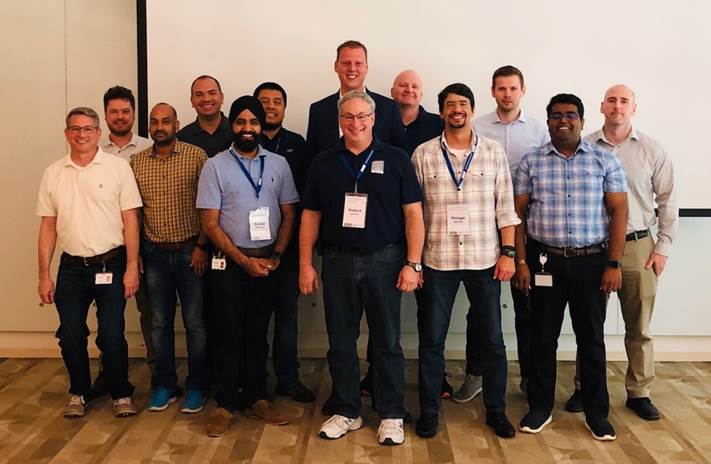
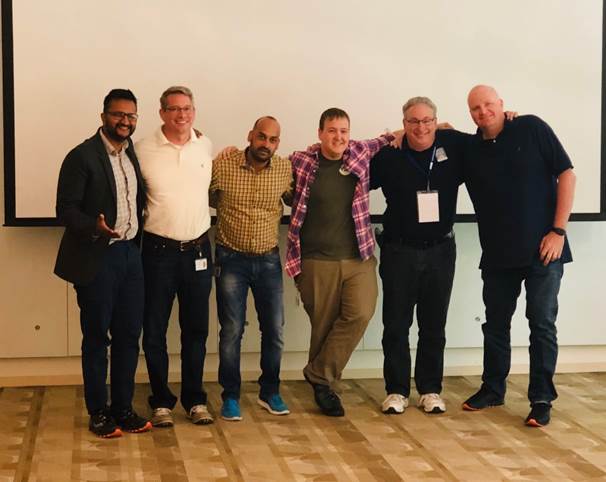
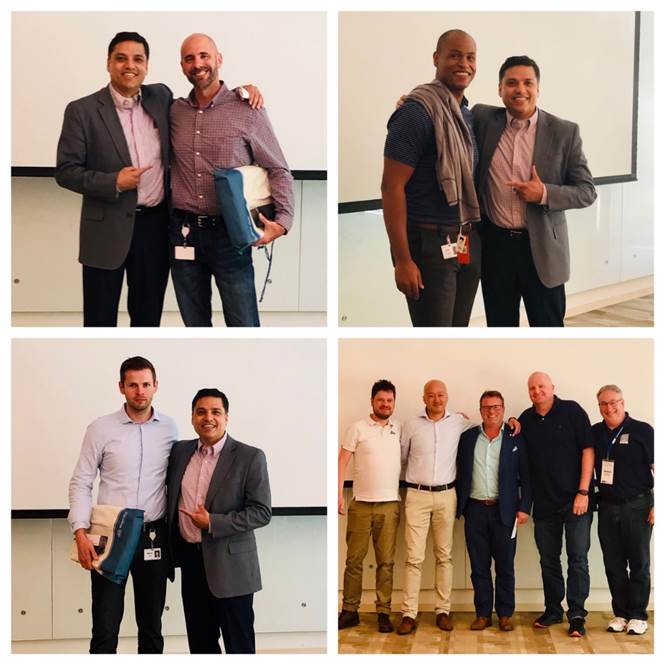
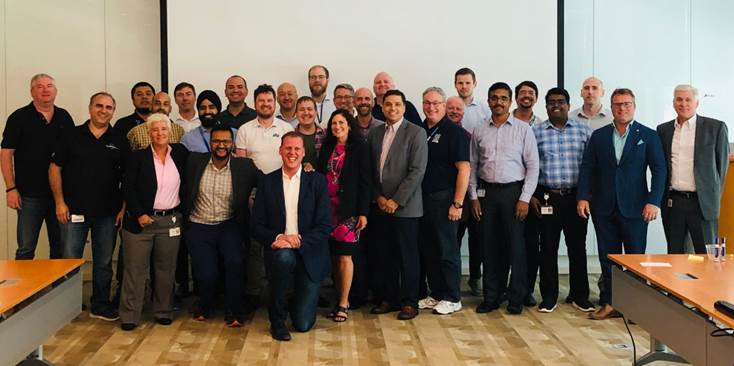
Here are some photos from CALAAC8 (low resolution – do not have the high resolution files), I was lucky enough to win the Individual Contributor award and to be a part of the winning Team.

Other Resources:

Nutanix XLAB for Partners is Live

The Nutanix XLAB licensing for Partners feature in Nutanix Support is now live. Why should you care if you are a Nutanix Partner?

Up until now, Nutanix Partners could consume Nutanix software in four ways:

  • Community Edition – crowd-sourced support, used for functional demonstrations and learning, available to everyone, runs with AHV only and you supply the hardware (no HCL, cross your fingers and pray).
  • Nutanix Demo environment – ready built, limited use-cases, demonstration only, shared environment consumed as a service (similar to VMware HOL), available to all partners.
  • NFR (Not For Resale) – includes support, heavily discounted software, including NX hardware if needed, available to all partners.
  • MOU (Memorandum of Understanding) – loaner hardware tied to sales objectives for a fixed period of time and must be returned to Nutanix at the end, licensing and support is not included, all partners can apply.

Now we have a fifth option, XLAB:

  • Gives you access to Acropolis Ultimate, Prism Pro, Flow, Calm, Files, Era and Buckets licensing.
  • Depending upon your Partner level, the quantities allowed vary (Master, Scaler or Authorized Distributor).
  • Partner provides the hardware: Nutanix NX, HPE DX, HPE, Cisco, Dell-EMC PowerEdge or OEM (Dell-EMC XC Core or Lenovo HX).
  • Allows you to run all supported hypervisors.
  • No support provided.
  • Gives you the ability to run PoCs in your own lab including performance testing (before you would have to use an official PoC request – which takes time, or use NFR/MOU hardware).

How do you access XLAB? Easy:

  • Login to my.nutanix.com
  • Select the Support Portal
  • Go to My Products, Licensing
  • Expand the XLab Licenses section
  • Select Manage Licenses to start the Cluster File upload process and generate the License File for the cluster

Nutanix .NEXT 2019 US Announcements

This week, Nutanix .NEXT 2019 US is being held in Anaheim. There are ten announcements of note in the Private Cloud, Multi-Cloud and Edge spaces:

  • First Edition of The Nutanix Design Guide released – download the PDF.
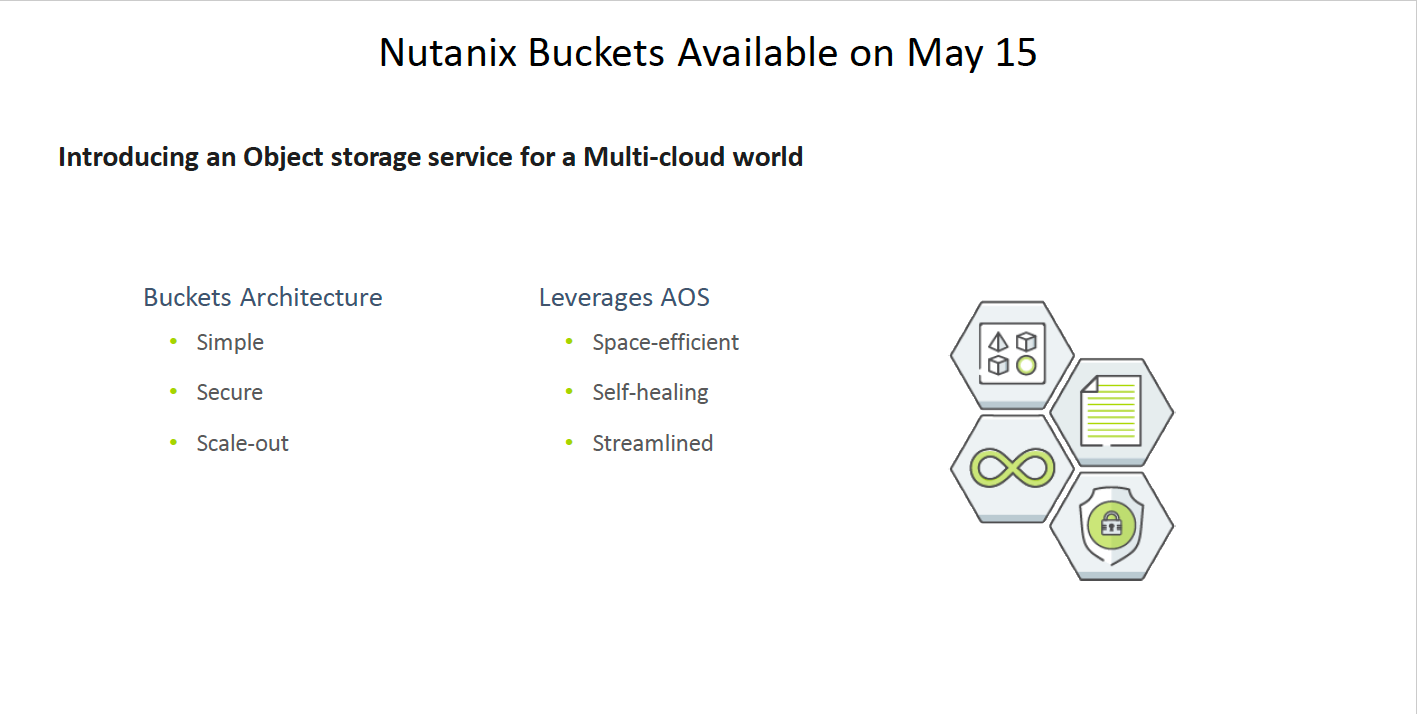
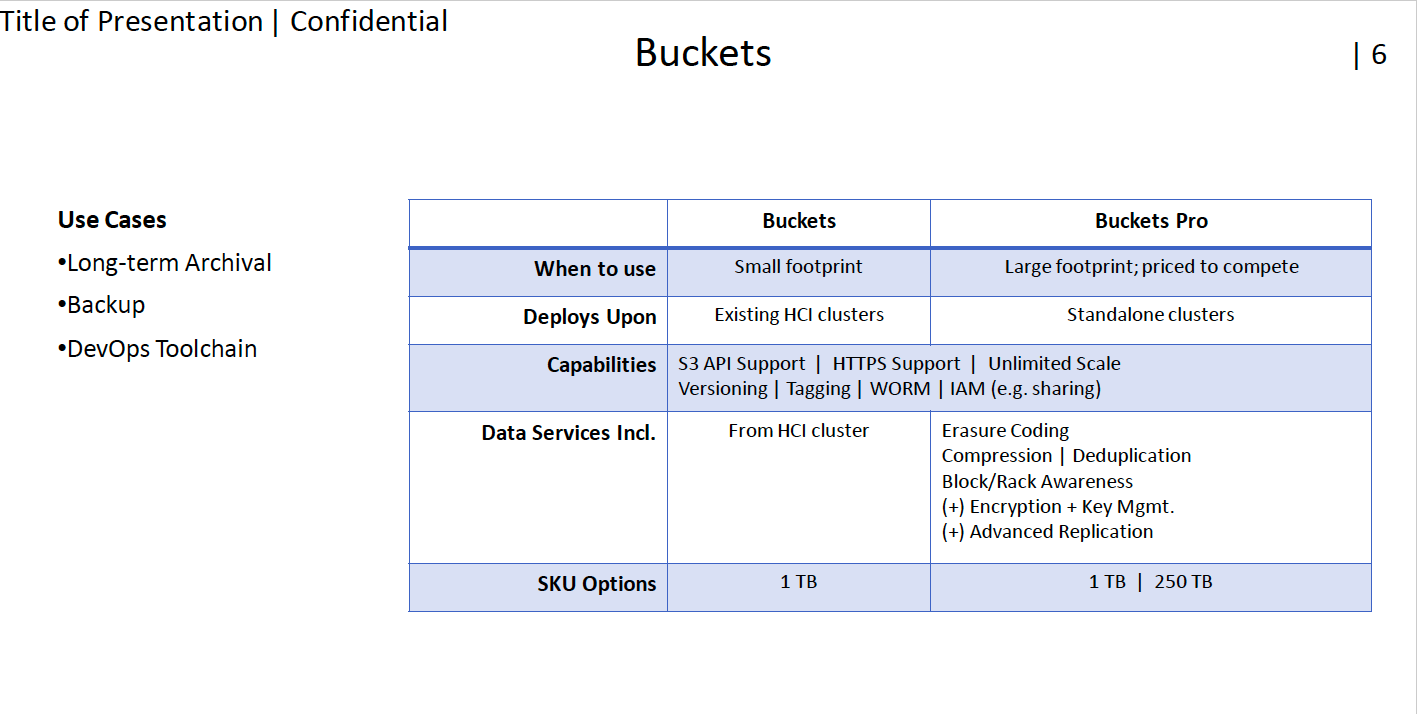
  • Nutanix Buckets for Object Storage: Available on May 15 with Buckets and Buckets Pro licensing.
  • Nutanix Mine for secondary storage: Available in H2-2019. Available in Small (96TB) and Medium (192TB) sizes. Will support Veeam, HYCU, Commvault, Unitrends and Veritas.
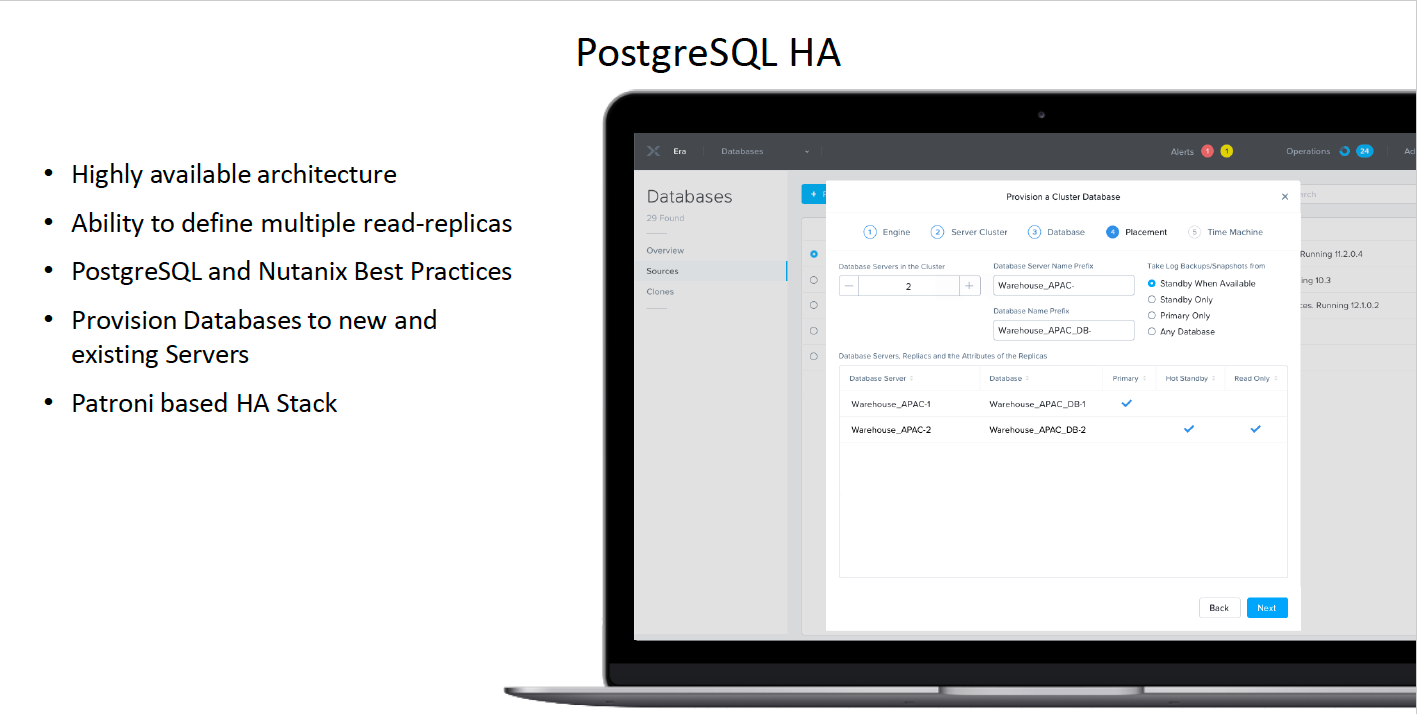
  • Nutanix Era simplifies database operations: Added support for SQL-Server AAG, PostreSQL HA, Oracle Patch Management & RBAC.
  • Xi Frame from anywhere: Supports On-Prem Nutanix cluster Frame data-plane install.
  • Xi Leap expansion: Enhancements to Xi Cloud Security. London and Italy added as DRaaS targets.
  • Xi Beam security compliance: Event-driven security compliance added.
  • Xi IoT developer experience: Frictionless delivery in the Cloud, Solution-centric approach with multiple sensor options.
  • MEDITECH is certified for Nutanix AHV and AOS, including Nutanix Files.
  • Xi Clusters on AWS

Screenshots: